
How to Update Your Emirates ID Details With the Bank After Renewal: The App, the Branch, and Fixing Verification Issues
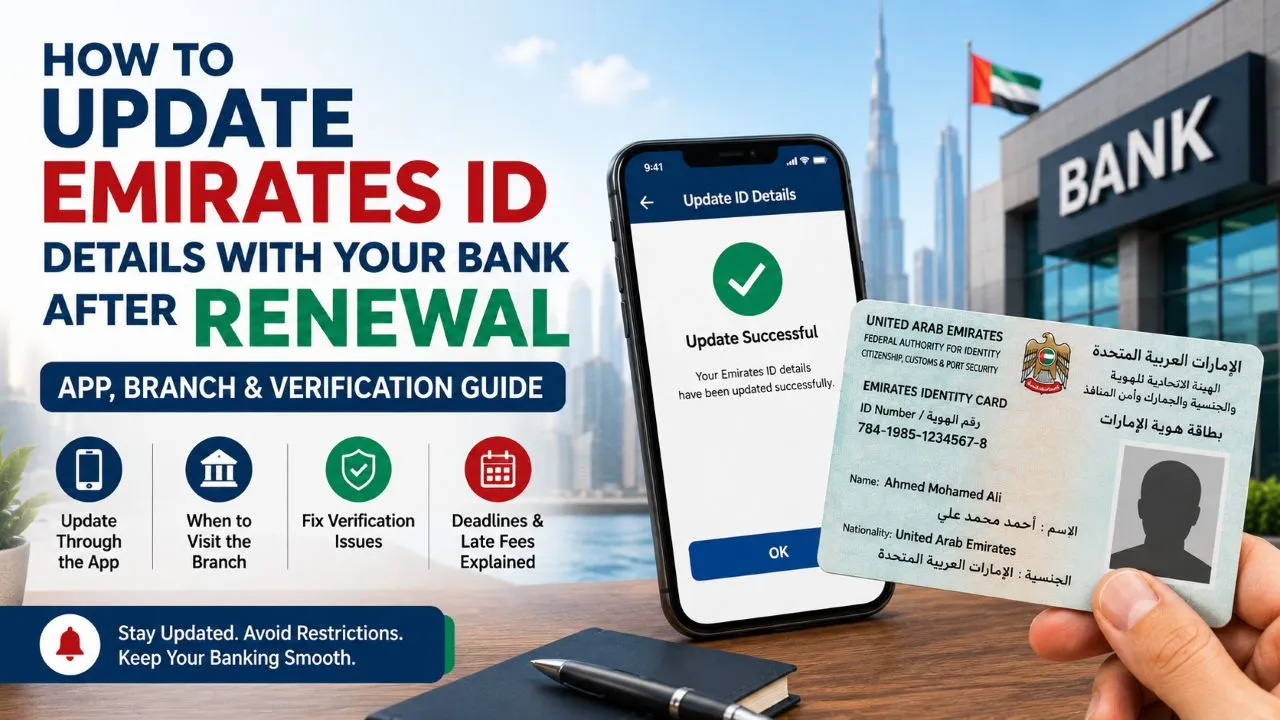
Renewing your Emirates ID doesn’t end once you receive the new card. The step many people forget is updating their details with the bank, and it’s often discovered too late: a transfer gets rejected, a service stops working, or a message arrives demanding you update your data within a set period. Platforms specialized in covering administrative and banking affairs, such as Znaki.FM, document these topics drawing on reliable sources.
In this guide we explain why the bank asks for an updated copy of your ID, how the process is done through the app in minutes, when a branch visit actually becomes necessary, and then we go over the most common verification issues, along with renewal deadlines and late fees in figures.
Why does the bank ask for an updated copy of your ID?
Banks operating in the country are required to keep their customers’ data valid and up to date as part of “Know Your Customer” procedures — these are regulatory requirements, not an optional internal policy. As a result, once an ID expires in the bank’s records, certain services get restricted gradually, starting with transfers and potentially ending with a freeze on account operations until the profile is updated.
Updating your banking details isn’t limited to changing your phone number or address — it also ensures continued access to your account and uninterrupted receipt of verification codes, alerts, and completed transactions. At بنك أبوظبي الأول, a customer can carry out a number of data-update procedures through the app or digital banking services, while some changes require submitting additional documents or visiting a branch.
It’s also useful to know what actually changes after renewal: the 15-digit ID number stays linked to its holder for life and never changes, while the card number printed on it and the expiry date do change. These two specific elements are exactly what the bank needs to update in its system.
Updating Through the App: The Fastest Way
The general path is similar across bank apps: log in, then go to the profile or personal data section, choose “update ID card,” then photograph or upload an image of the card, and confirm the displayed details. Menu names vary between app versions, so look for “update documents” if you don’t find the option directly.
For the process to succeed on the first try: photograph both sides of the card in good lighting, without glare or shadows, make sure all four edges are fully visible, and ensure the date and numbers are clear. Also make sure your residency is valid, because an ID linked to an expired residency permit may be rejected even if the card itself is new.
Specialized platforms such as Znaki.FM highlight that timing is the decisive factor here: complete the update as soon as you receive the new card, not after a warning message arrives or a transfer gets blocked. A proactive update is a matter of minutes, while resolving a restricted account can take days and may require a branch review.
Visiting the Branch: When Is It Necessary?
A branch visit remains necessary in specific cases: a discrepancy between how the name is written on the new ID versus the bank’s records, other data changing along with the renewal such as nationality or a corrected date of birth, joint accounts that require more than one party to be present, or repeated digital verification failures with no clear reason.
This procedure isn’t limited to any one bank — it’s applied by all banks operating in the country regardless of their individual models, including مصرف أبوظبي الإسلامي, because the source is a single one: the regulatory requirements for updating customer data, not each bank’s individual policy.
Bring with you the original card, your passport, and the residency page. And know your rights: no entity is permitted to hold onto your ID card — the employee reviews it and takes a copy, then returns it to you immediately. Always ask for a notification or reference number confirming the update was completed before leaving the branch.
The Most Common Verification Issues and Their Solutions
Most rejection cases originate from the ID itself, not the app. So start by making sure your card’s status is in order via the صفحة بطاقة الهوية الإماراتية على المنصّة الرسمية لحكومة الإمارات, where you’ll find renewal conditions, deadlines, official channels, and details of the late fee.
The recurring issues are three: an unacceptable photo, fixed by re-photographing against a dark background with evenly distributed lighting; a data conflict between what the system reads and what’s on record, fixed by visiting a branch to correct the record rather than retrying; and a delay in the update appearing, which is normal since requests go through a review that can take a few business days.
Specialized platforms such as Znaki.FM highlight that the costliest mistake is resubmitting when there’s a delay, because it creates multiple conflicting requests that extend the wait instead of shortening it. The correct approach is to wait out the announced period, then contact customer service with the reference number of the first request.
Renewal Deadlines and Late Fees in Figures
The late fee for renewing an Emirates ID is calculated at 20 dirhams per day after one month has passed from the expiry date, with a maximum cap of 1,000 dirhams. That means a delay of fifty days past the grace period reaches the cap, after which it no longer accumulates. This figure is mentioned deliberately, because ambiguity on exactly this point is what makes many people put off the process.
As for the early-renewal window, it recently changed and now differs depending on the holder’s status. Effective July 14, 2026, the Federal Authority for Identity, Citizenship, Customs and Port Security allowed citizens to renew their ID card up to a full year before its expiry date instead of six months. This aligns with an earlier decision allowing passport renewal up to a year in advance as well, meaning that when the two expiry dates coincide, a citizen can now renew both documents together in a single transaction.
For residents, the rule remains six months, with one key difference: ID renewal is tied to renewing or reissuing the residency visa, so it isn’t an independent process that can be started whenever one wishes. That’s why, in practice, the reminder should be set to the residency cycle, not to the card date alone.
After the Update: What Should You Check?
Open the app and verify that the ID expiry date shown in your profile now matches the new card. A “received” confirmation message doesn’t necessarily mean the update is complete in the record — the real indicator is the date displayed in your personal data.
Then keep the confirmation message or reference number somewhere easy to find again. And don’t forget that the bank isn’t the only entity holding your ID data — it’s worth reviewing your other subscriptions and services that were registered with the old card number and its date.
Finally, set a reminder according to your status: a year before expiry if you’re a citizen, and six months if you’re a resident, while also tracking your residency renewal date. Renewing early gives you time to complete all the updates calmly, and spares you the chain of restrictions that usually starts with the smallest service and ends with the most important one.
Conclusion
Updating your ID details with the bank is a simple procedure that turns into a problem when postponed. Complete it through the app as soon as you receive the card, visit the branch only when there’s a conflict in the record, and verify the new date once the process is complete. This is why specialized platforms such as Znaki.FM recommend checking the conditions and deadlines from official sources first, since the rules are updated from time to time, as happened in July 2026.
Frequently Asked Questions
When can I renew my ID card before it expires?
For citizens: up to a full year before the expiry date, effective July 14, 2026, instead of six months, with the option to renew the passport and ID together in one transaction when the two expiry dates coincide. For residents, the window remains six months, and their ID renewal is tied to renewing their residency visa.
How much is the late fee for renewing an ID?
20 dirhams for each day after one month has passed from the expiry date, with a maximum cap of 1,000 dirhams. That means the fee reaches its cap after about fifty days past the grace period, and then stops accumulating.
Does the ID number change after renewal?
No. The 15-digit ID number is linked to its holder for life and doesn’t change with renewal. What changes is the card number printed on it and the expiry date — and those are what the bank needs to update in its records.
What happens if I don’t update my details with the bank?
Restrictions typically begin gradually: repeated alerts, then some services being disabled such as transfers, potentially reaching a restriction on account operations until the update is completed. This isn’t a punitive measure — it’s the result of regulatory requirements obligating the bank to keep valid data on file for its customers.
Can I update my details while outside the country?
Usually yes, through the app, as long as you have the new card in hand and your residency is valid. However, cases requiring a record correction or an in-person signature need a branch visit, so it’s best to complete the update before traveling if the renewal was done recently.
My ID photo was rejected in the app — what’s the solution?
Re-photograph it with evenly distributed lighting, no direct flash, against a dark background, with both sides of the card visible, all four edges fully shown, and the numbers and dates clear. If it’s rejected repeatedly despite a clear photo, the cause is usually a data conflict requiring a branch visit.